Your KPIs erode quietly
between reports.
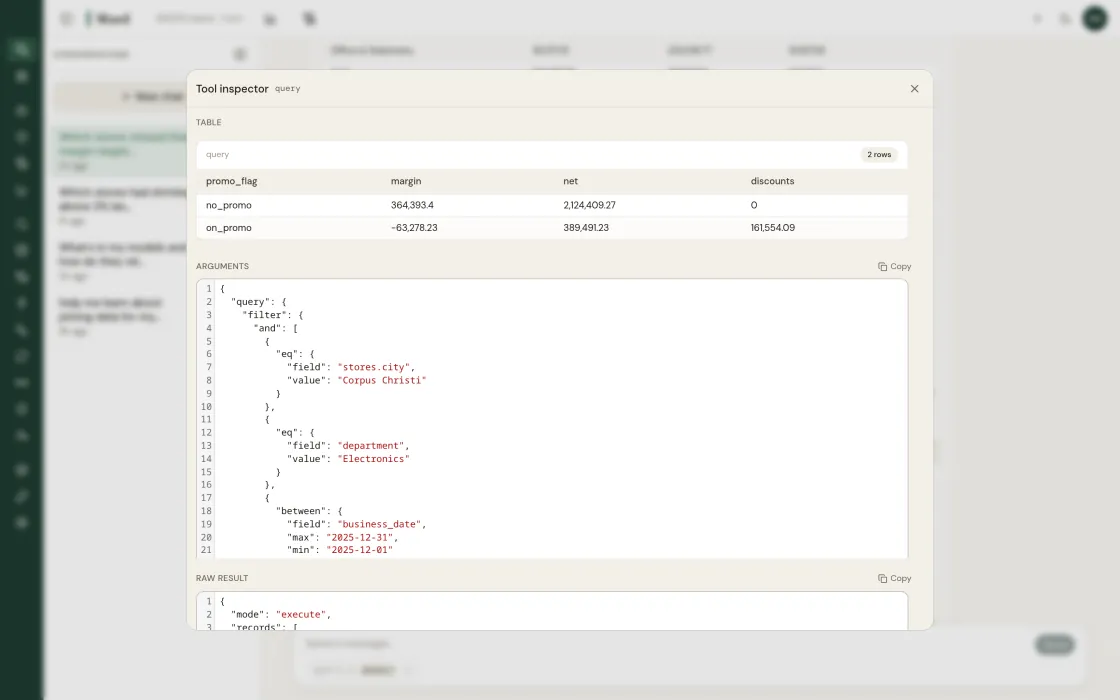
Fill rate slips, shrinkage drifts, GMROI drops, slowly, across hundreds of stores. Ward watches every metric, every store, every day and flags what’s off before it compounds.
The slow-bleed problems aggregate reports miss
A 2% fill rate decline at one store vanishes in a chain-wide average. Across 300 stores, those quiet declines add up fast. Ward baselines every metric at every location and surfaces deviations as insight cards, each with root cause and a recommended action. Thresholds are statistical: z-score against a 90-day rolling baseline, anomaly at p<0.01.
Chat
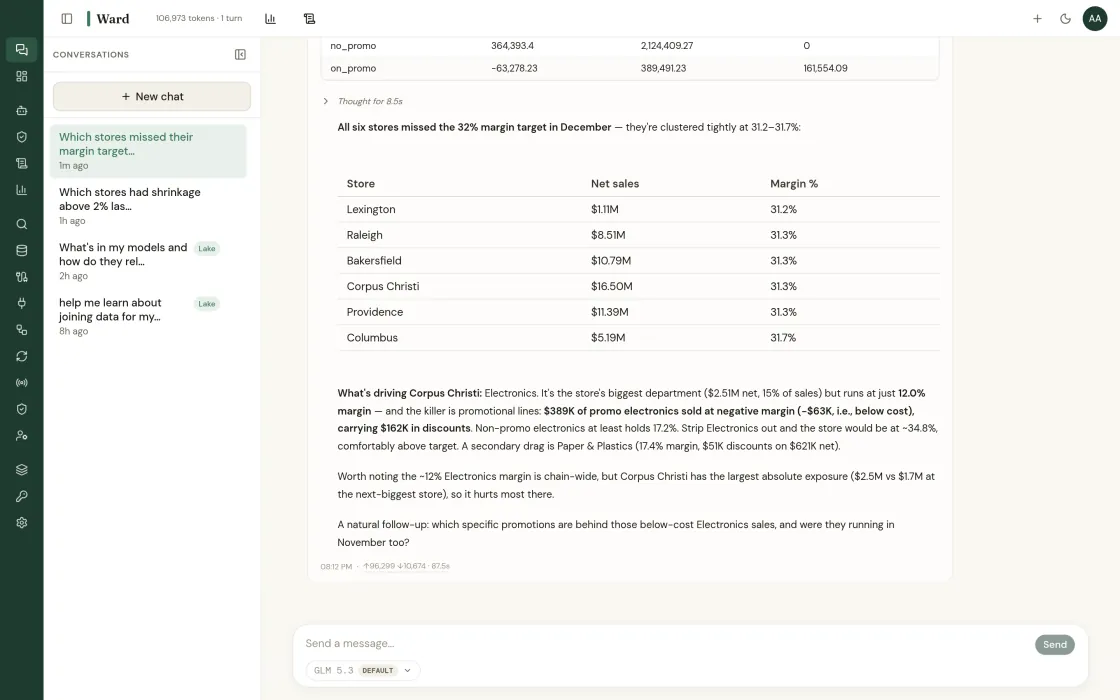
Ask anything. Ward routes to the right agent and returns cited answers.
I pulled Store 37’s last 28 days against the chain baseline. Two root causes, both compounding.
| Signal | Finding |
|---|---|
labor_efficiency | Rev/labor-hour −22% vs. cluster, staffing mismatch at 11a–1p peak |
inventory.fresh | Fresh fill 83%, backroom replenishment lag at 2–4p |
promo.lift | BOGO crackers cannibalized Brand Y by 28%, net category +6% |
Recommend: re-baseline Store 37 schedule against true peak, raise replen window to 1p, and review the BOGO before next cycle.
labor_scheduling…
Dashboards
Pinned views built from saved data-lake queries.
Models
Browse, search, and manage data–lake model definitions for your tenant.
| Name | Namespace | Version |
|---|---|---|
retail_pos_transactions | retail | 1.0 |
retail_inventory_snapshot | retail | 1.2 |
retail_labor_scheduling | retail | 1.0 |
retail_promo_calendar | retail | 1.1 |
retail_supplier_performance | retail | 1.0 |
sap_inventory_shrinkage | sap | 1.0 |
ga4_daily_events | marketing | 1.0 |
meta_ads_ad_level | marketing | 1.0 |
Sources
Connect external systems to the data lake.
| Name | Type | Last sync |
|---|---|---|
sap_pos_transactions | import | 2m ago |
sap_inventory_shrinkage | import | 2m ago |
sap_labor_scheduling | import | 14m ago |
retail_inventory_weekly | import | 1h ago |
retail_google_ads_daily | import | 1h ago |
retail_meta_ads_daily | import | 1h ago |
retail_ga4_website_daily | import | 1h ago |
Architecture
Two ways to connect. Federate against your live systems, or ingest into Ward’s data lake. Toggle below.
sap.possnow.inventoryPipelines
Move data from sources into models on a schedule.
| Name | Source | Model | Status | Schedule |
|---|---|---|---|---|
sync_sap_pos_transactions | sap_pos_transactions | pos_transactions | enabled | hourly |
sync_sap_labor_scheduling | sap_labor_scheduling | labor_scheduling | enabled | daily |
sync_sap_inventory_shrinkage | sap_inventory_shrinkage | inventory_shrinkage | enabled | daily |
sync_retail_inventory_weekly | retail_inventory_weekly | inventory_weekly | enabled | weekly |
sync_retail_google_ads_daily | retail_google_ads_daily | google_ads_daily | enabled | daily |
sync_retail_ga4_website_daily | retail_ga4_website_daily | ga4_website_daily | enabled | daily |
Streams
Real-time ingestion pipelines.
pos.txnstore_037, basket $42.18inv.movedc_west → store_104labor.clockstore_022 shift_startpos.txnstore_211, basket $19.04
Policies
Browse and manage Cedar access policies for your tenant.
| Policy ID | Effect | Resources |
|---|---|---|
merch-read-default | permit | Model::* |
finance-read-shrinkage | permit | Model::"shrinkage" |
vendor-blocked | forbid | Model::"labor_*" |
region-west-only | permit | Tenant::"acme" |
Entities
Principals and resources referenced by Cedar policies.
| Entity UID | Type | Tenant |
|---|---|---|
Tenant::"acme" | Tenant | acme |
Model::"sap.pos_transactions" | Model | acme |
Model::"sap.inventory_shrinkage" | Model | acme |
Model::"sap.labor_scheduling" | Model | acme |
Model::"retail.toast_pos_daily" | Model | acme |
Model::"retail.ga4_website_daily" | Model | acme |
Providers
Manage LLM API keys and the model profiles that use them.
| Name | Provider | Used by | Created |
|---|---|---|---|
anthropic-default | Anthropic | 3 profiles | Apr 22 |
openai-default | OpenAI | 2 profiles | Apr 22 |
gemini-default | Gemini | 1 profile | Apr 22 |
ollama-onprem | Ollama | 2 profiles | Apr 22 |
LLM-agnostic. Bring your own key, route per task. No lock-in.
Settings
Manage your dashboard preferences and account.
Light and dark themes are available. Your choice is remembered per browser.
Five domains, continuous monitoring
Revenue, stores, finance, inventory, supply chain. Each domain has a dedicated agent tracking its KPIs around the clock and flagging deviations before they compound.
KPI glossary
Definitions, formulas, and benchmarks for every retail metric Ward tracks.
Where KPI Monitoring
does the work.
The insight types that lean on kpi monitoring to deliver value.
Built for the teams
that catch problems first.
The KPIs that change
when this runs.
Operator stories
and the alternatives.
Two ways to start.
Run a fixed-fee pilot on your data, or talk to advisory about a broader engagement.
Insights surface
Ward’s agents detect what changed, why it matters, and what to do about it. Every insight includes a recommended action. Not just a chart to interpret.
Insights become actions
Any insight card can be turned into a tracked ticket or task. Dispatched to the right person, on the right channel: mobile push, text, or email. Not every insight needs a ticket. When one does, it has an owner.
Your team responds
Insights get voted up or down with reasoning. Tickets get completed or rejected. Every response is a signal. Ward learns what worked, what missed, and why.
Outcomes measured
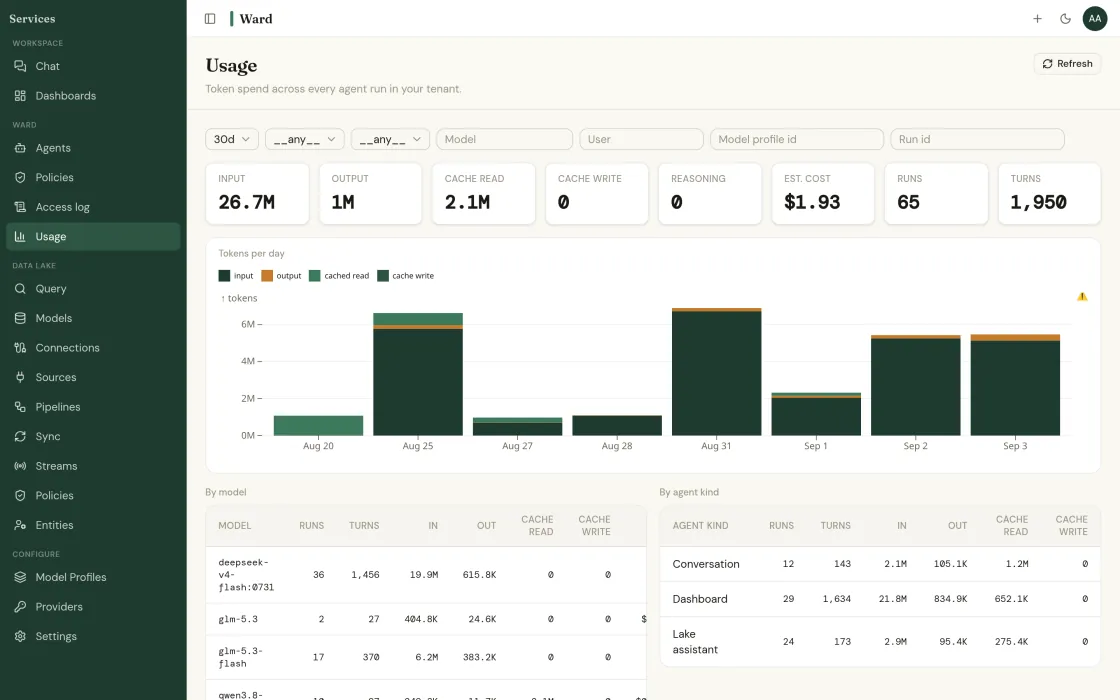
Ward evaluates real results: revenue, margin, fill rate, labor cost. Did the action actually improve the number it targeted? Measured outcomes, not assumptions.
Agents get sharper
Every vote, every completed ticket, every measured outcome feeds back in. Ward learns from your team’s judgment and real-world results. Each cycle sharpens the next. Then it starts again.
Your KPIs erode quietly between reports.
Ward watches every metric, every store, every day. See what it finds.
Find out what your data has been hiding.
Tell us about your operation. We’ll show you the problems Ward catches, and the ones your current tools miss.