See what Ward actually looks like.
Five dashboards open, still no answer to “why.” This is the screen that gives it.
Read-only to start · your LLM keys, no lock-in · SOC 2 Type II underway
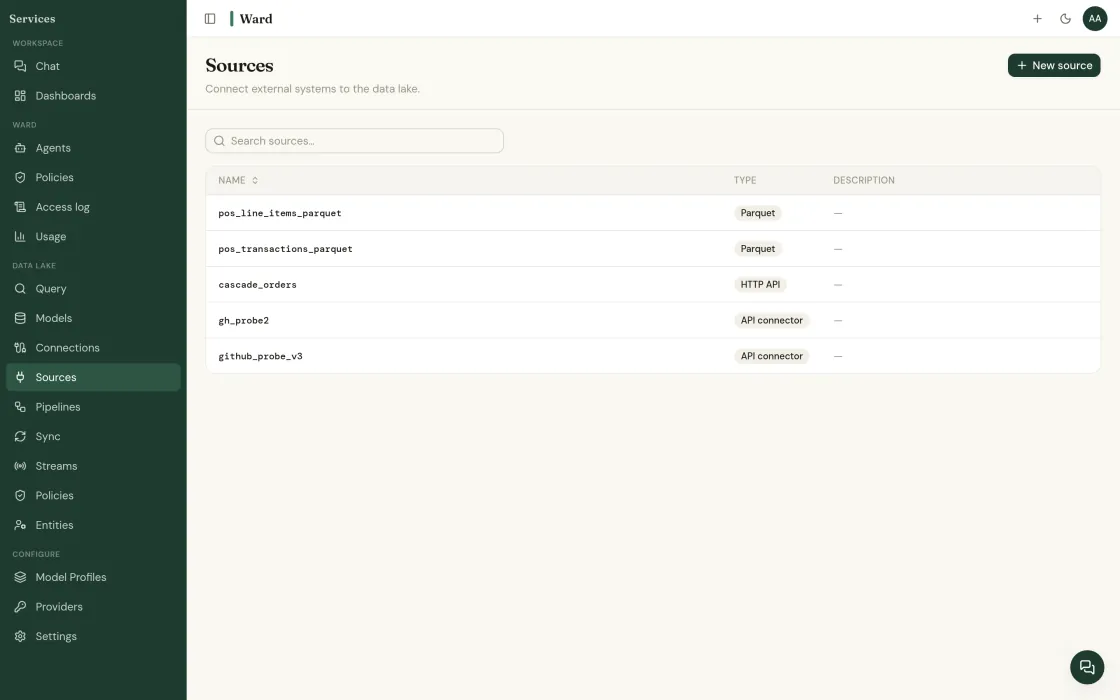
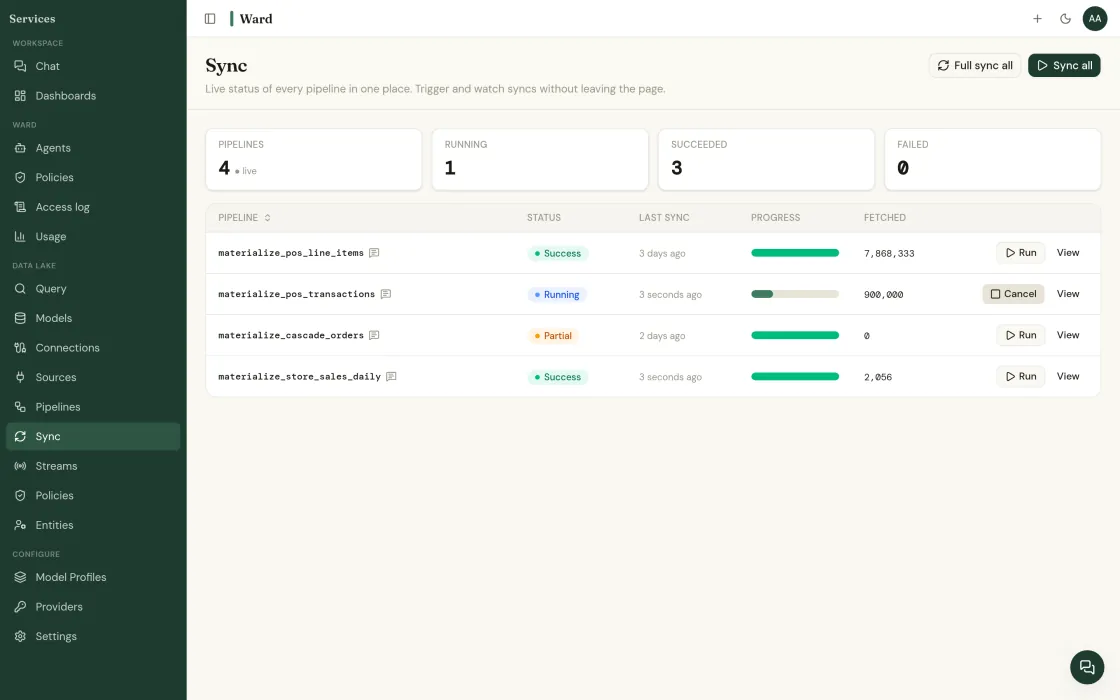
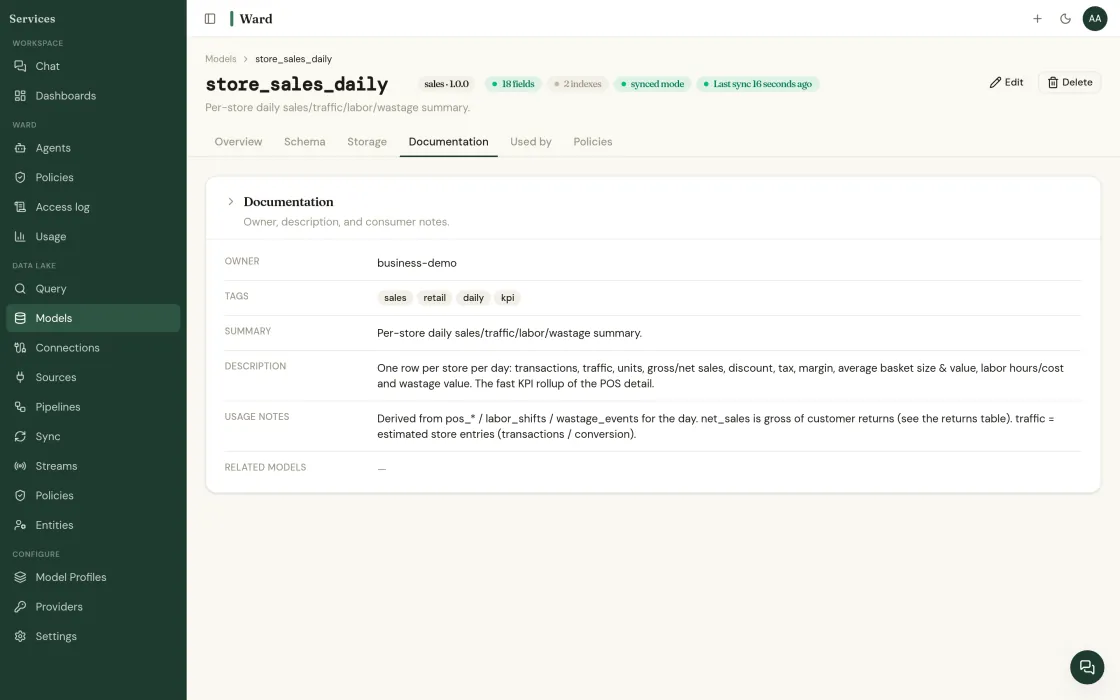
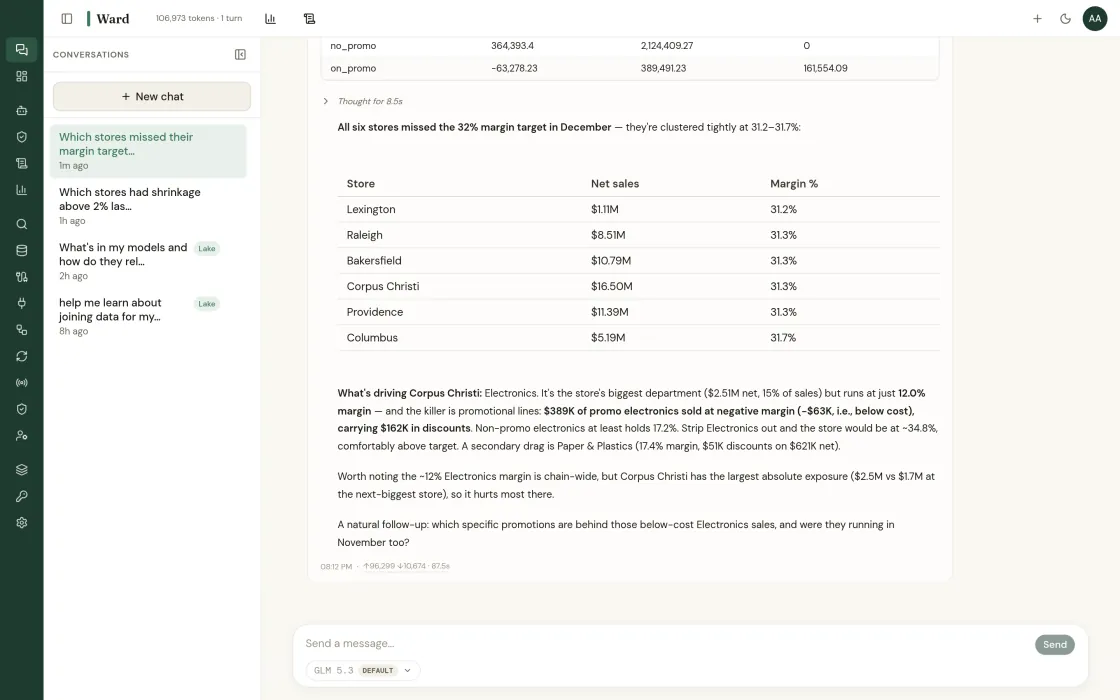
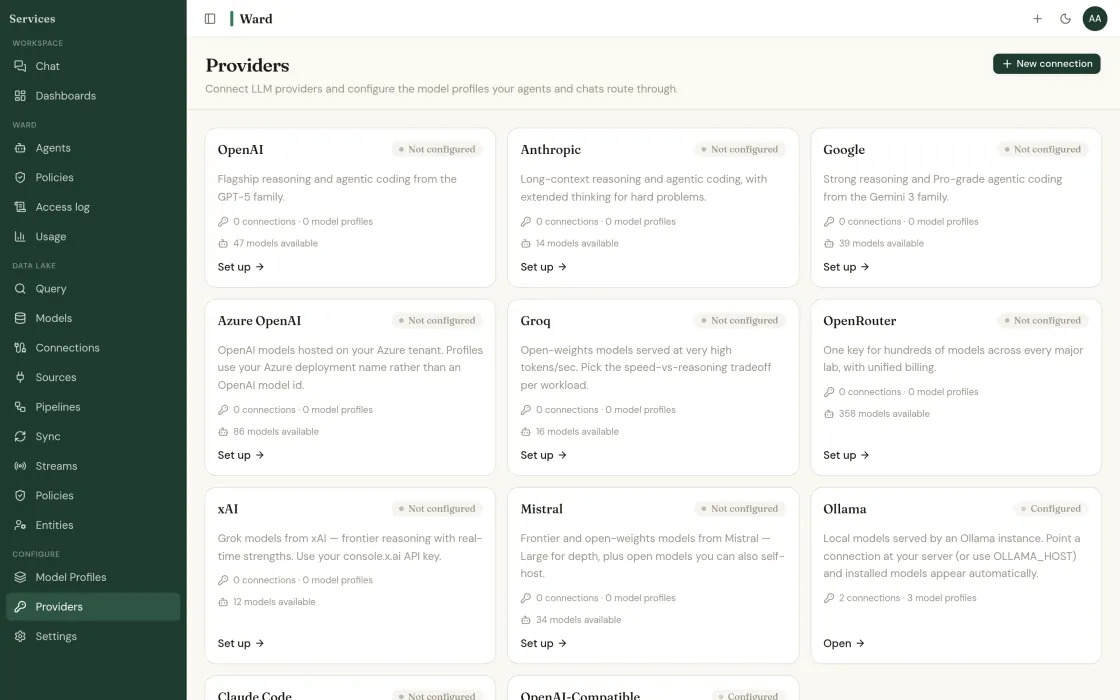
One operating view.
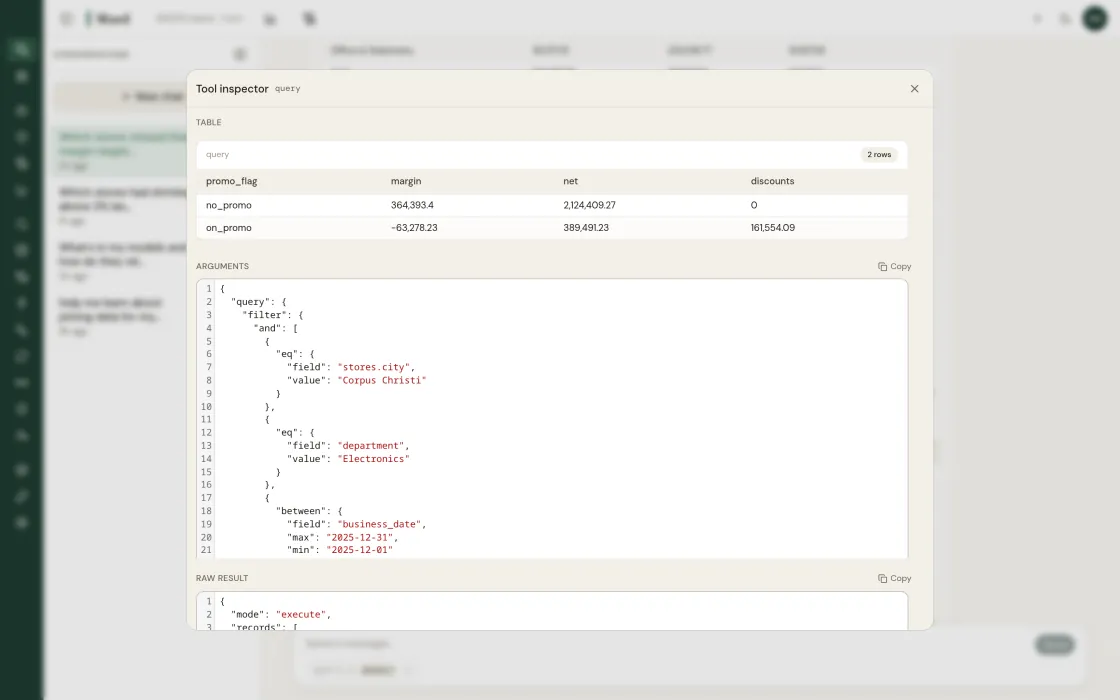
Every answer shows its work.
The screen your team starts the day on.
What you are actually deploying.
Ward is four layers over the stack you already run. Each one has a boundary, and each one can be evaluated on its own.
Boundary: reads only. Nothing leaves your warehouse.
Boundary: the LLM frames answers. Classical models produce the numbers.
Boundary: every write gates on an approver you named, logged before and after.
Boundary: your identity stack and residency rules govern, unchanged.
Retail analytics, agents,
and a reasoning trail on every answer.
Four primitives under this screen.
The operating view is the surface. Each of these stands on its own.
Ask in English, read the SQL
Ask in plain English. The generated SQL is always visible, and any number re-derives from its source rows.
How query works →Agents you define, scoped
One agent per job, scoped to tables you named. Read-only until you grant otherwise, every action logged.
How the runtime works →One definition of revenue
Metrics and grain defined once, enforced everywhere, so this screen agrees with the dashboard you already publish.
How semantics work →An audit trail you can hand over
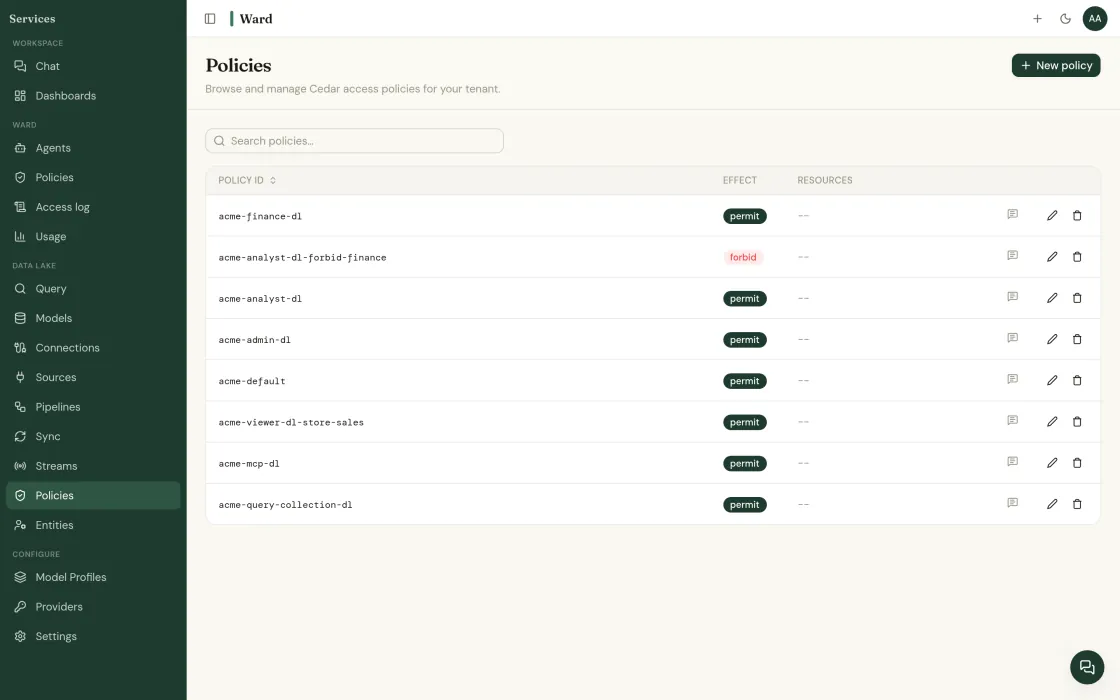
Policy at query time, one log covering people and agents alike, signed with name, time and approver.
How governance works →The problems are in your data right now.
See what Ward finds in your actual POS, inventory, and finance feeds.
Read-only to start · your LLM keys · SOC 2 Type II underway · or book a call directly
Find out what your data has been hiding.
Tell us about your operation. We’ll show you the problems Ward catches, and the ones your current tools miss.