540 sources. Read-only by default.
Every connector ships with a scoped credential model and a schema contract. When a source changes shape, the sync fails and names the column that moved, instead of writing bad rows into your warehouse for a week. Describe a source in plain English and Ward AI builds the stream, the pipeline and the cleaning rules behind it.
The 49 above are the ones asked about by name. Not listed is not the same as not supported. The generic JDBC, REST and object-store readers cover most of what is left, and a named connector is usually a few days of work rather than a roadmap item. Ask about yours →
Object storage is registered, not copied.
This is the part that takes the migration off the schedule. Ward reads Iceberg, Delta and Parquet where they already live, so there is no cutover window to plan and no second copy of your data to secure.
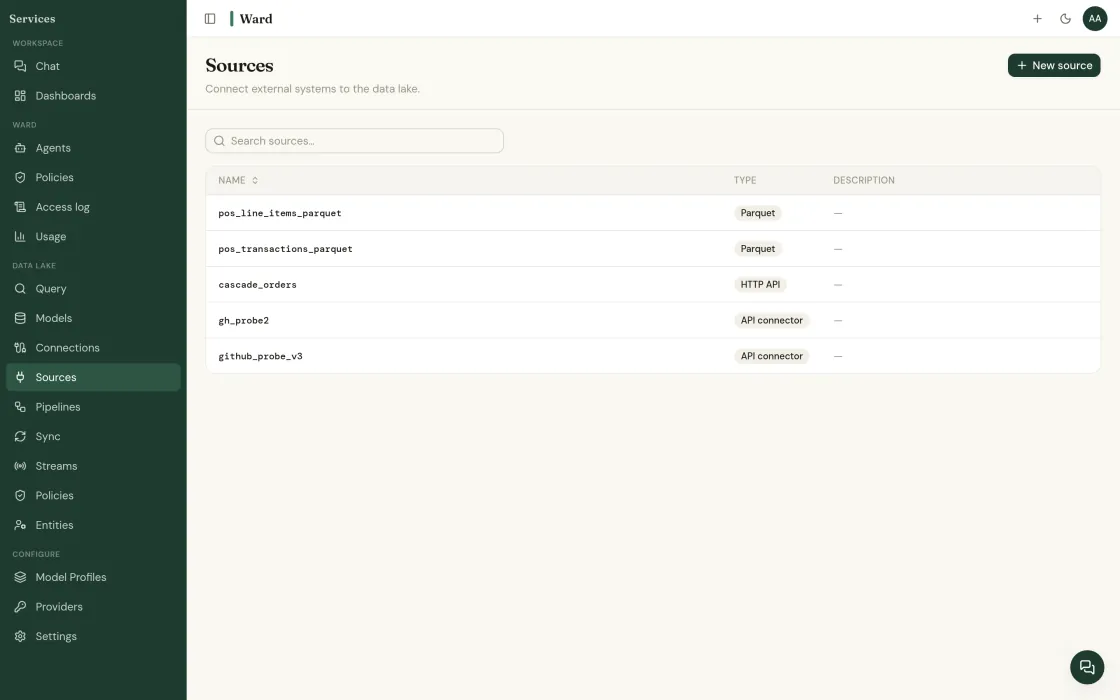
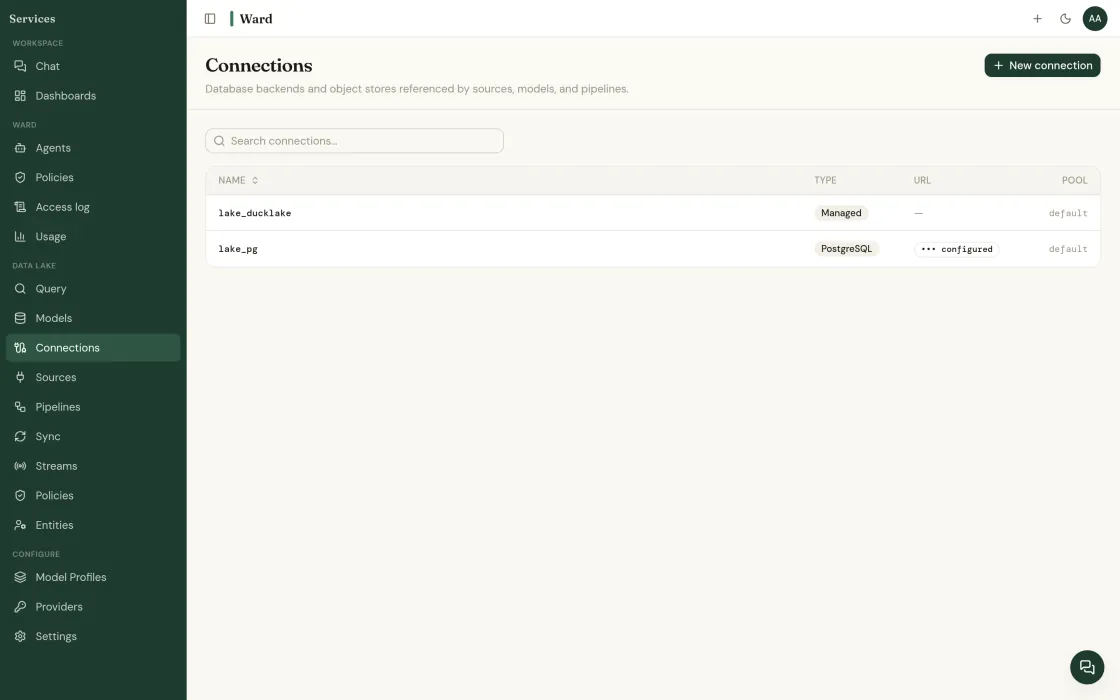
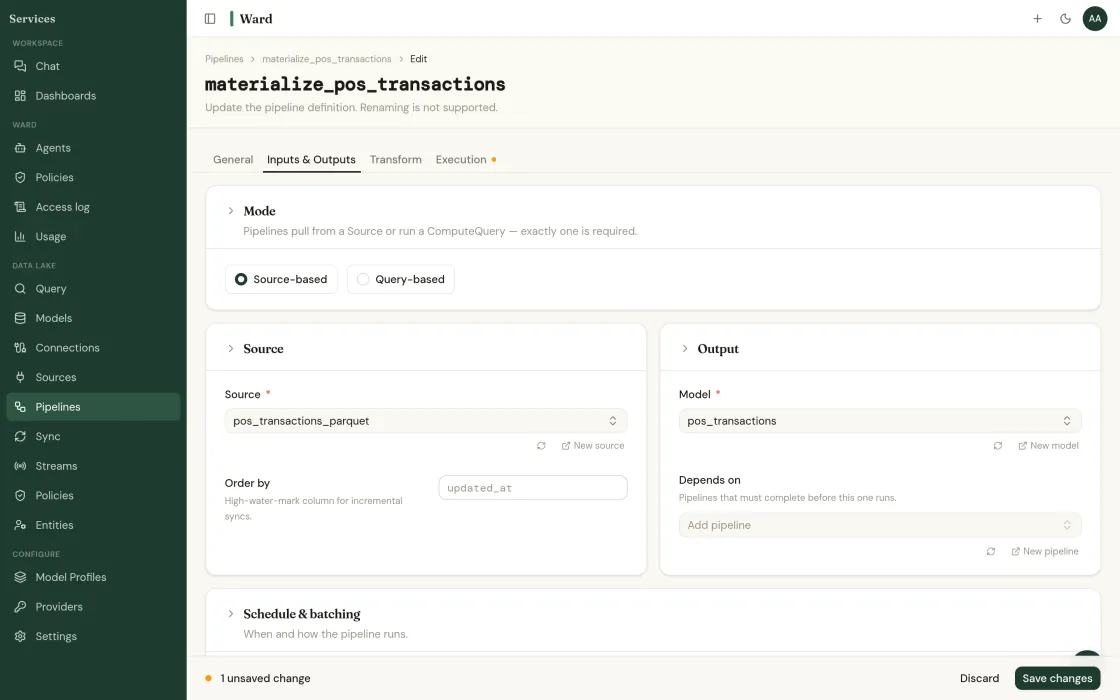
Point it at what you already run.
Read-only credentials, scoped to the schemas you name.
Read-only to start · your LLM keys · SOC 2 Type II underway · or book a call directly
Find out what your data has been hiding.
Tell us about your operation. We’ll show you the problems Ward catches, and the ones your current tools miss.