Connect one source. See what it finds.
Deploying is free: the whole console, every connector, unlimited agents and users. You pay 5% of the model compute it uses, and nothing else. No call required to find out whether this works on your data.
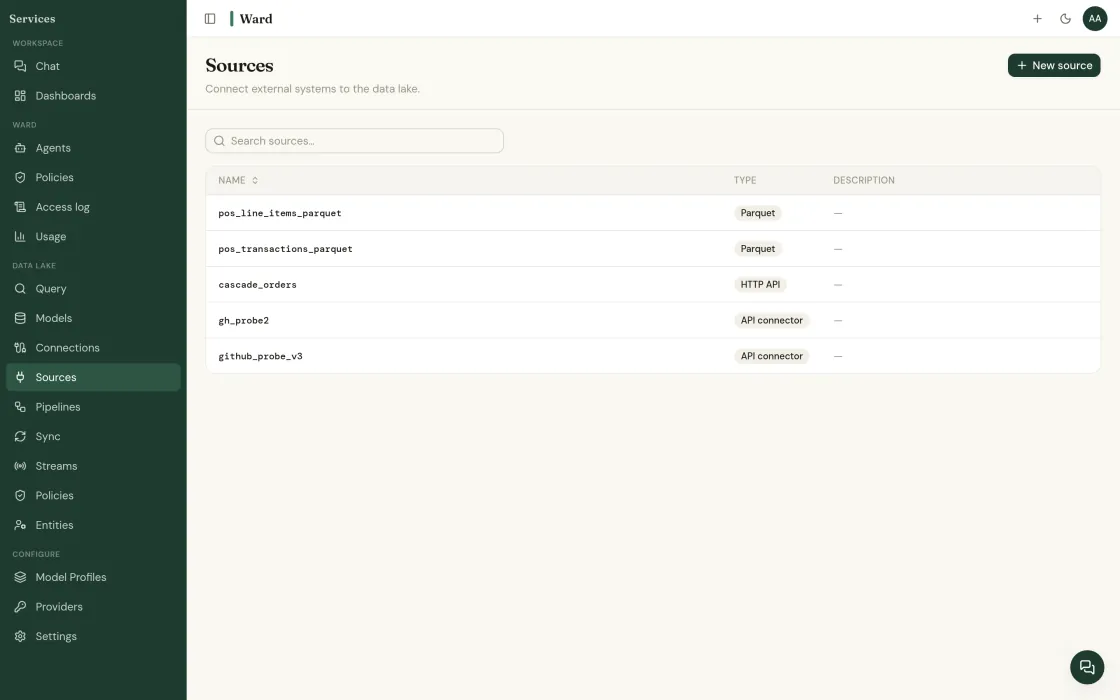
Four steps, and none of them are a call with us.
Sign in
The console runs in the browser. Nothing to install, and SSO/SAML from day one so your existing identity stack governs who gets in.
Connect one source
Ward asks for a read-only role and the schemas it may see. It will not ask for more, and it fails rather than widening its own scope later.
Review and query
Ward AI drafts the cleaning rules; you approve them. Then ask a question in English and read the SQL underneath the answer.
Step 4 is the one worth doing on real data: describe an agent, scope it to two tables, approve it, and see what it finds. Running agents →
Free is the platform, not a trial with a timer.
- Every connector and the semantic layer
- Unlimited agents and users
- Policies, audit log, SSO/SAML and RBAC
- Community support
- Each call goes to the cheapest model that clears the bar
- Per-message cost on every answer
- Budgets and hard caps per department and user
- The only recurring fee Ward charges
- Self-guided: $0
- Guided, two weeks: $7,500
- Managed, six weeks: $20,000
- Program, multi-entity: from $50,000
Access is going out in batches while self-serve finishes.
Account creation is not open to everyone yet. Tell us what you would connect and we will open an account with the batch that fits it. If you would rather talk to an engineer first, book twenty minutes.
Find out what your data has been hiding.
Tell us about your operation. We’ll show you the problems Ward catches, and the ones your current tools miss.