Ask in English. Read the SQL.
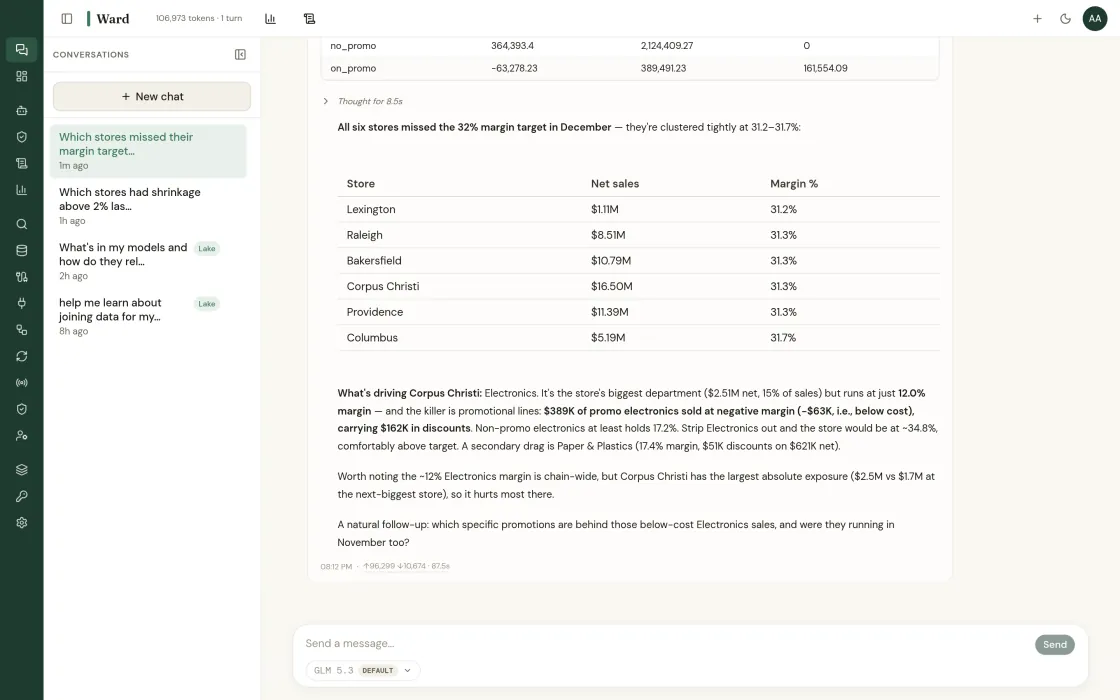
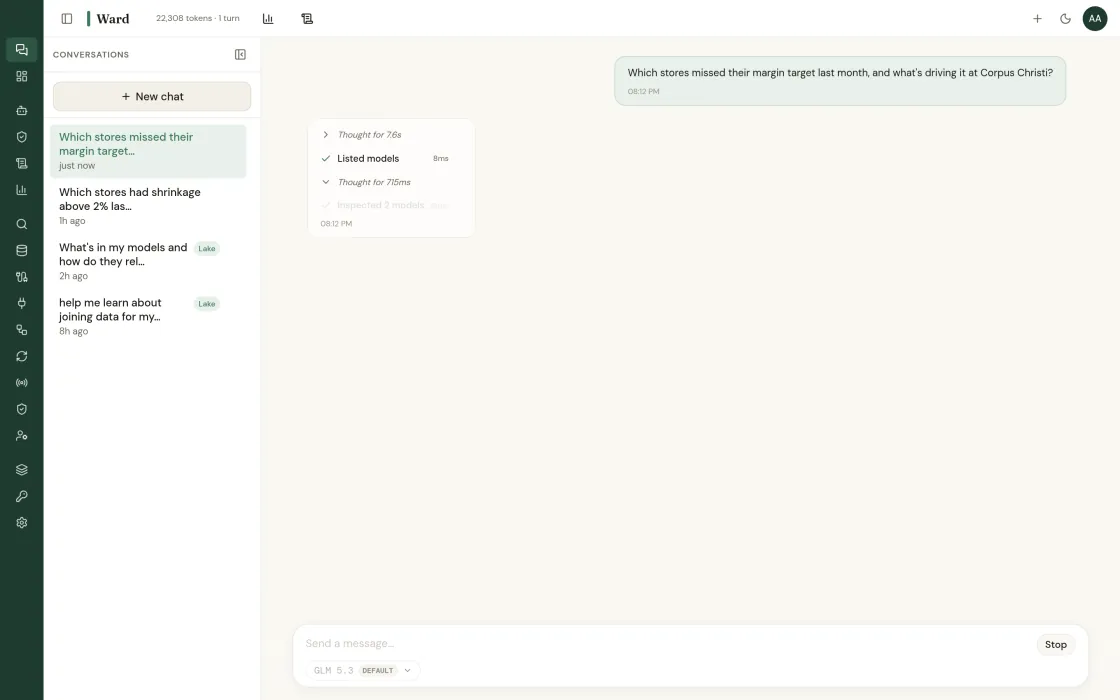
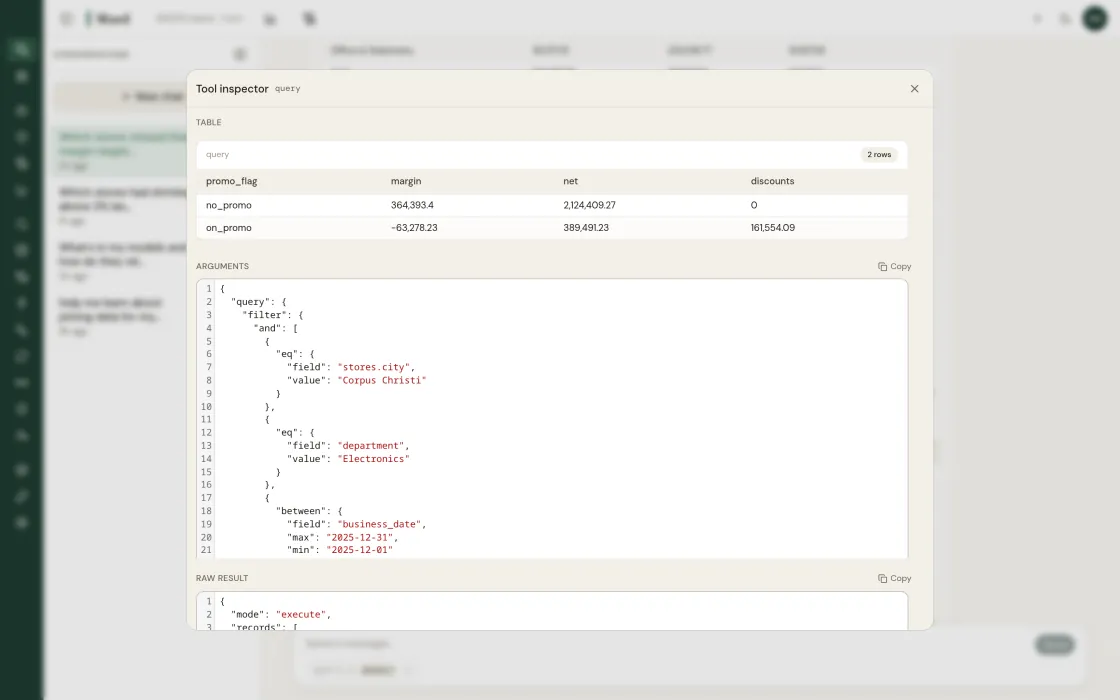
Ward answers in a sentence and shows the query underneath it. If the SQL is wrong you can see that it is wrong, which is the only way a data team ever trusts one of these.
Natural language over the semantic layer, with the generated SQL always visible.
Every answer ships with the SQL that produced it.
Resolves through the semantic layer, so the numbers match the dashboard.
Ambiguous questions come back as a question, not a guess.
Ask from the chat panel, or pin the answer to a dashboard.
What this looks like when you actually use it.
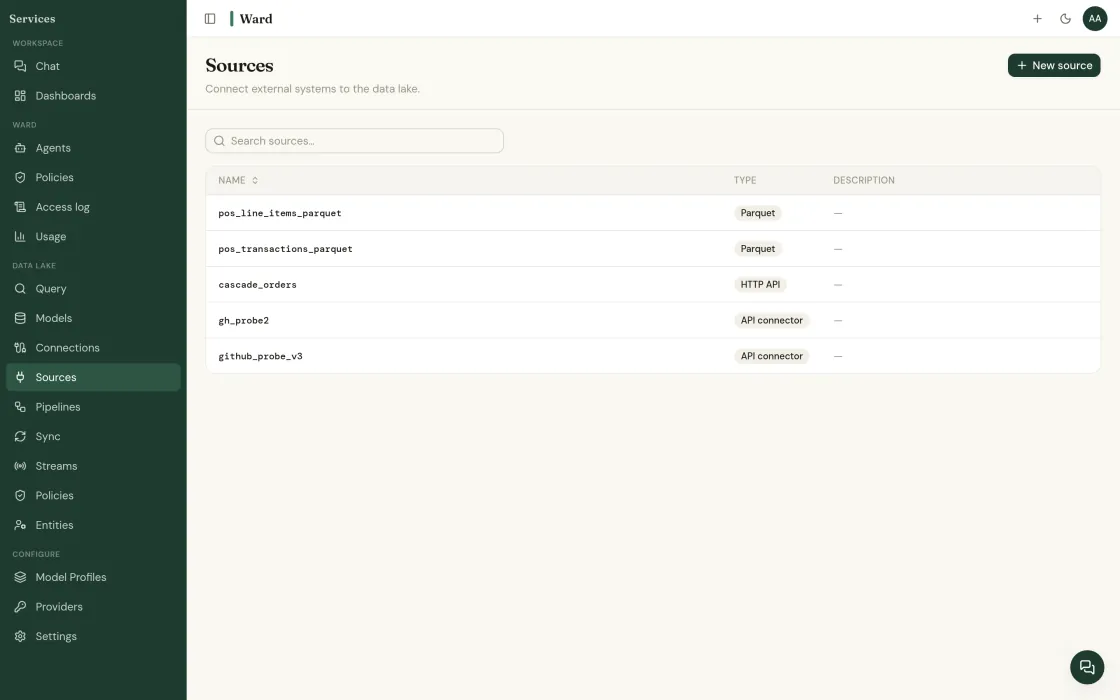
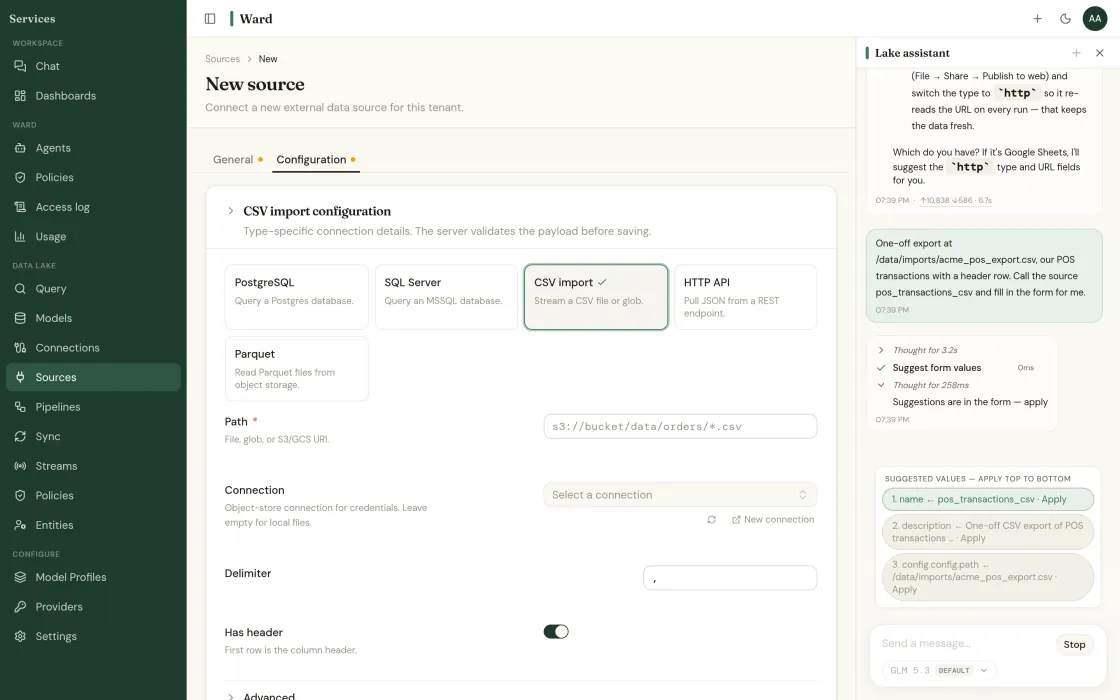
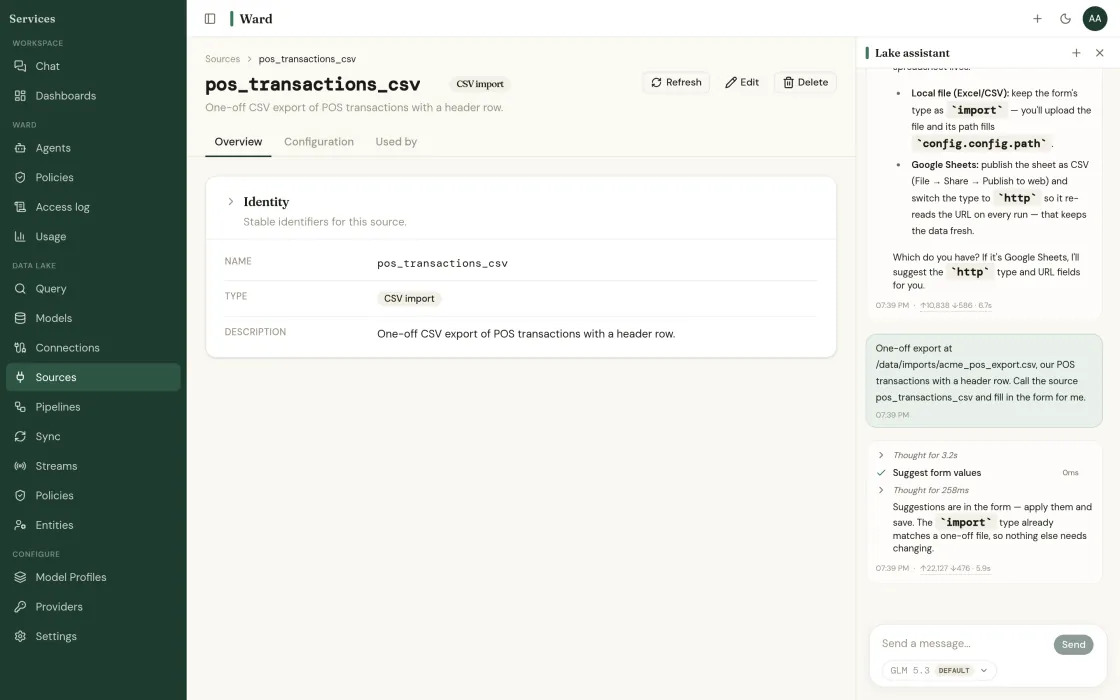
Add a source
Sources, then + New source. Pick your warehouse, lake, ERP or POS and give Ward a read-only credential scoped to the schemas you name. Ward reads the schema and shows you what it found before anything else happens.
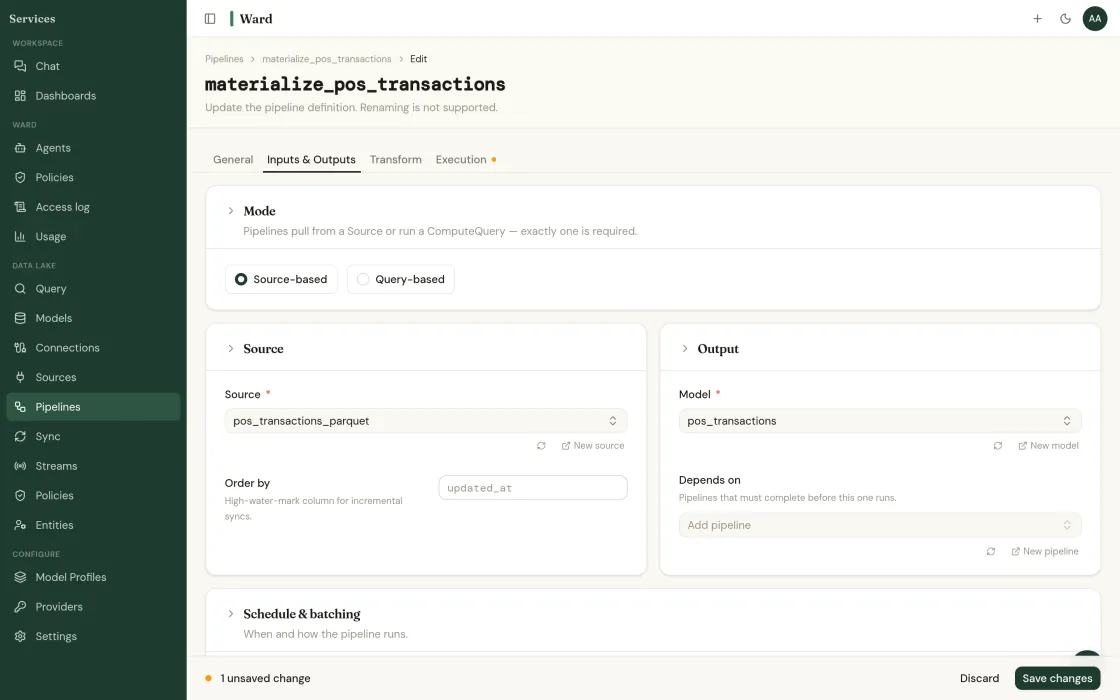
Review what Ward AI drafted
Ward profiles what landed and drafts the cleaning and conforming rules. They arrive as a proposal, not as a running pipeline. You read the diff and approve it, the same way you would review a colleague's work.
Five more primitives. Adopt them in any order.
Warehouse
Query the lake you already pay for.
A running warehouse over the storage you already own, with no migration window and no second copy.
Read more →Connectors
540 sources. Read-only by default.
Managed ingestion from warehouses, lakes, SaaS APIs, databases and flat files.
Read more →Semantic layer
One definition of revenue. Enforced.
Metrics, dimensions and grain defined once and enforced everywhere, including in what agents are allowed to compute.
Read more →Agent runtime
The warden of your data and your agents.
A governed runtime for building agentic logic against your own data, with every action scoped and logged.
Read more →Governance
The answers your security review needs.
Row-level policy, scoped credentials, and an audit log that covers humans and agents equally.
Read more →Start with one source.
Deploying is free. The whole console, every connector, and nothing to license.
Read-only to start · your LLM keys · SOC 2 Type II underway · or book a call directly
Find out what your data has been hiding.
Tell us about your operation. We’ll show you the problems Ward catches, and the ones your current tools miss.